Your Cart
×

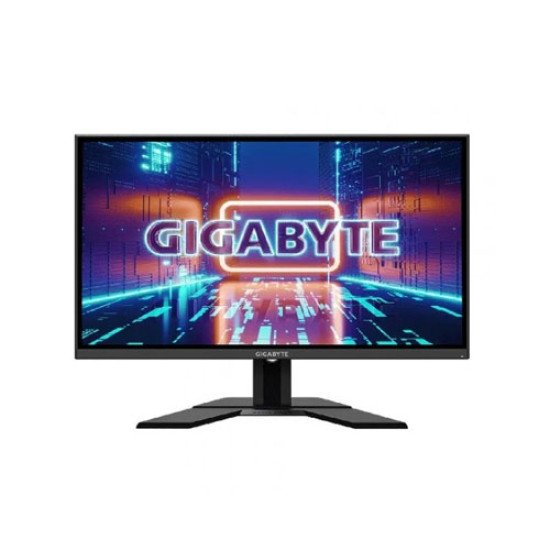
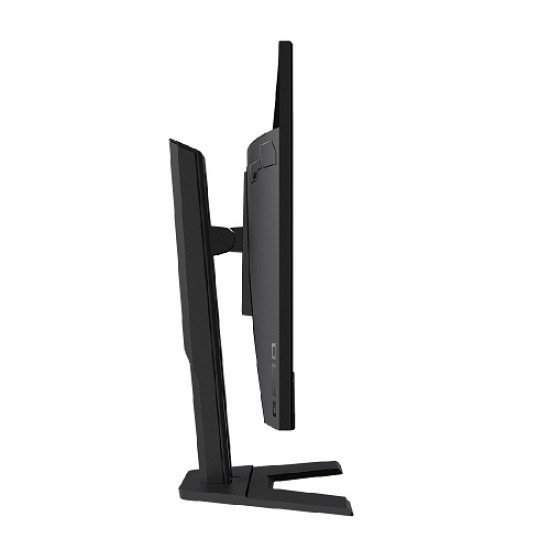
Gigabyte G27Q 27-inch 144Hz QHD Gaming Monitor
In Stock


Gigabyte G27Q 27-inch 144Hz QHD Gaming Monitor
Share:
- Stock: In Stock
- Brand: Gigabyte
- Model: G27Q
- MPN: star
39,900৳
Ex Tax: 39,900৳
* অনলাইনে প্রোডাক্ট অর্ডারের পূর্বে হেল্পলাইন থেকে স্টক এবং ডেলিভারী সর্ম্পকে সঠিকভাবে জেনে অর্ডার করার জন্য বিশেষভাবে অনুরোধ করা যাচ্ছে *
Gigabyte G27Q 27-inch 144Hz QHD Gaming Monitor
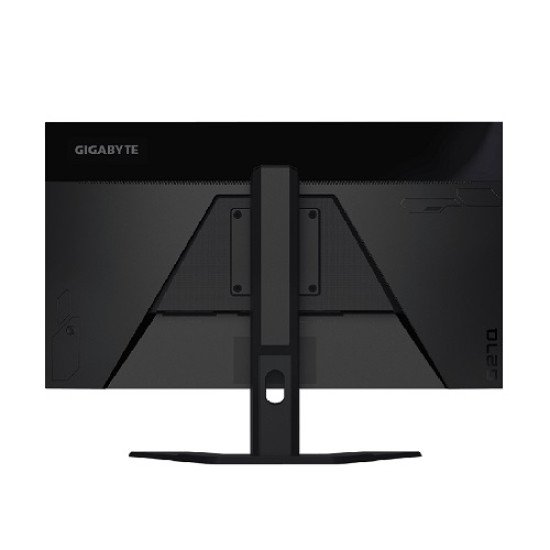
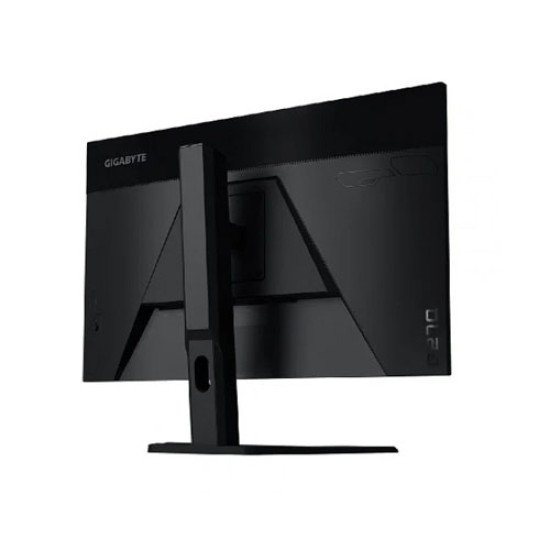
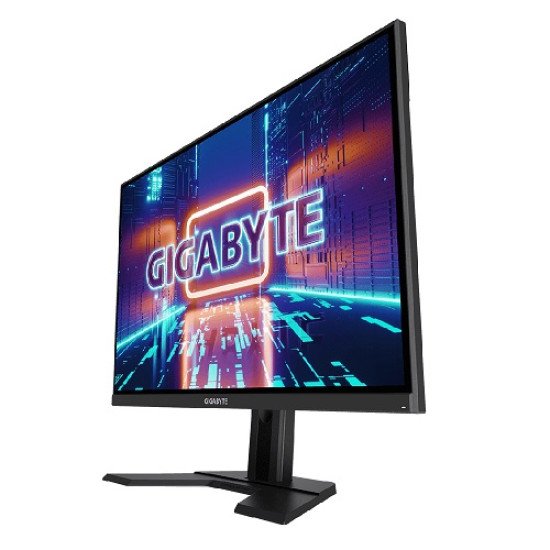
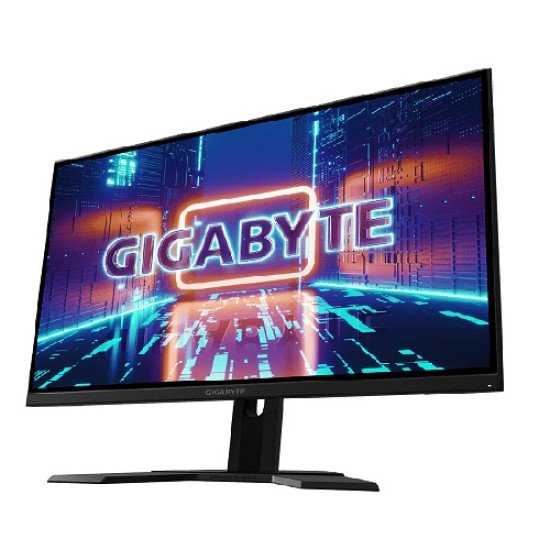
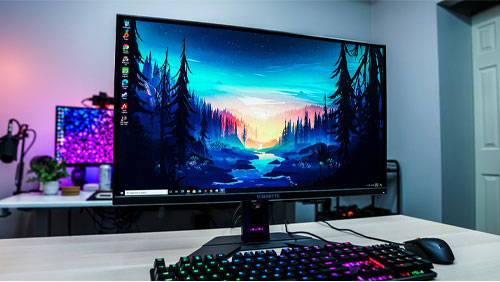
The Gigabyte G27Q 27-inch 144Hz QHD Gaming Monitor will assist you in staying ahead of the competition. Because of its quick 144 Hz refresh rate, 1 ms response time, and Adaptive-Sync compatibility, this monitor gives a lag-free gaming experience. It also has an In-Plane Switching (IPS) display, which delivers brilliant colors at 178° viewing angles. It has a 2560 x 1440 QHD resolution, a static contrast ratio of 1000:1, a brightness rating of 400 cd/m2, and support for 16.7 million colors. DisplayHDR 400 certification is also available for this display. There has HDMI and DisplayPort connectivity, and the stand can be adjusted in height and tilt. AMD Radeon FreeSync technologies sync the refresh rate of your display with the frame rate output of your graphics card to decrease screen tearing, stuttering, and ghosting for a smoother experience. This monitor has a maximum brightness rating of 400 cd/m2 and is Display HDR 400 certified. It features a refresh rate of 144 Hz and a response time of 1 ms. A rapid refresh rate of 144 Hz paired with a reaction time of 1 ms gives gamers a smooth and responsive gaming experience, especially in fast-paced genres like FPS and racing games.
Features:
- 27" 2560 x 1440 IPS Display
- 144Hz Refresh Rate, 1ms (MPRT) Response Time
- Smooth Gameplay with AMD FreeSync Premium
- Studio Grade VESA Display HDR400 and 92% DCI-P3 (120% sRGB) Color Gamut
- GIGABYTE Classic Tactical Features with OSD Sidekick
- GIGABYTE Auto-Update
- Ergonomic Design with Tilt and Height Adjustments
- Low Blue Light & Flicker-Free
- VESA Wall Mount Compatible 100x100mm
- 2 x 2W Speakers
- 1x DisplayPort 1.2, 2x HDMI 2.0, 2x USB 3.0
some additional features of the gigabyte g27q 27-inch 144hz qhd gaming monitor include:
- Ray Tracing Technology: The Gigabyte GeForce RTX 2060 D6 supports real-time ray tracing, a cutting-edge technology that simulates how light interacts with objects in a scene. This enables more realistic lighting, reflections, and shadows in supported games, enhancing visual fidelity and immersion.
- DLSS (Deep Learning Super Sampling): DLSS is an AI-powered technology that leverages deep learning and neural networks to enhance in-game performance while maintaining image quality. It renders images at a lower resolution and then uses AI to upscale them, resulting in smoother gameplay without sacrificing visuals.
- NVIDIA Turing Architecture: Built on NVIDIA's Turing architecture, the graphics card offers improved performance and efficiency compared to previous generations. Turing introduces new shading technologies, improved memory compression, and enhanced VR support.
- Windforce Cooling: The Gigabyte Windforce cooling system features multiple fans and direct-contact heat pipes to efficiently dissipate heat from the GPU. This design helps maintain lower temperatures and quieter operation even during demanding gaming sessions.
- RGB Fusion Lighting: The graphics card might feature RGB Fusion lighting, allowing you to customize the card's lighting effects to match your gaming setup. With a range of colors and effects, you can create a personalized and dynamic lighting configuration.
- Dual BIOS: Some Gigabyte graphics cards include a dual BIOS feature, allowing you to switch between different BIOS profiles. This can be useful for testing different overclocking settings or for creating profiles optimized for different applications.
- Factory Overclocking: The RTX 2060 D6 might come with a factory overclock out of the box. This means that the GPU and memory are tuned to run at higher clock speeds than the reference specifications, providing better performance without manual overclocking.
- NVIDIA G-Sync Support: If the graphics card supports NVIDIA G-Sync, it can synchronize the monitor's refresh rate with the GPU's frame rate, reducing screen tearing and delivering a smoother gaming experience.
- VirtualLink Support: Some RTX 2060 models may include a VirtualLink port, designed to simplify VR headset connections. VirtualLink combines power, video, and data transfer in a single USB-C cable for a more streamlined VR setup.
What is the Gigabyte G27Q 27-inch 144Hz QHD Gaming Monitor price in bd 2026?
The Gigabyte G27Q Monitor price in BD is 39,900৳. In today's market on 14-01-2026. The Gigabyte G27Q Monitor is In Stock now in our store (Call us to know about details of this product). 12 customer buy this product From 2548 visitors. Follow us on Facebook to stay updated with the latest offers. Subscribe our YouTube channel for product reviews. You can Order Gigabyte G27Q online, pay with online payment gateway or Cash on delivery (in Dhaka city) and get 2-3 day Express delivery anywhere in Bangladesh or visit our Showroom for more gift.
Same Category

26,000৳ 27,000৳
Ex Tax:26,000৳


22,800৳ 24,740৳
Ex Tax:22,800৳
Recently Viewed